
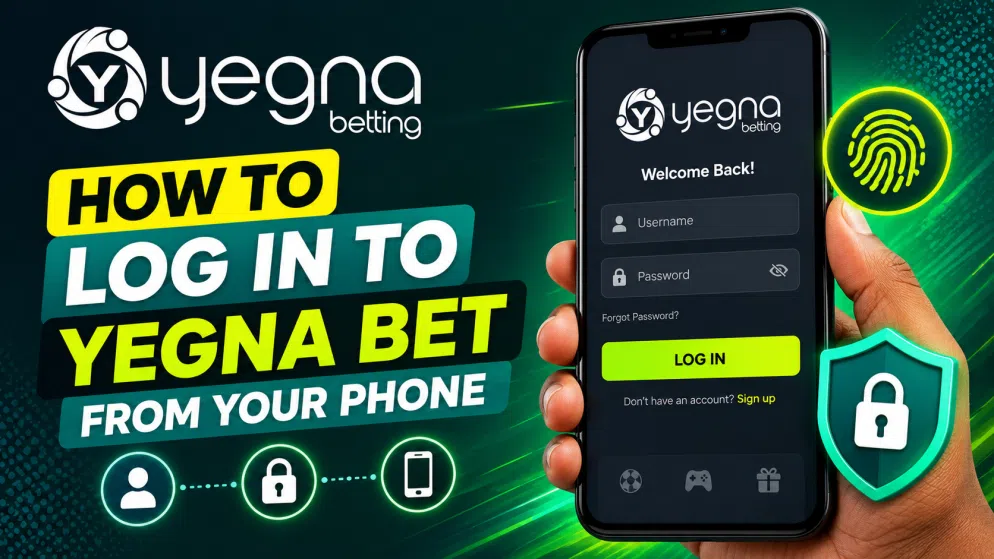

Mobile betting gives users the flexibility to access their accounts without sitting at a desktop computer. If you already have a Yegna Bet account, logging in from your smartphone should be a relatively simple process. You mainly need a compatible mobile browser, a stable internet connection, and the login details associated with your account.
This guide explains the typical steps for accessing Yegna Bet from a phone in Ethiopia, along with practical suggestions for dealing with common login problems.
Accessing Yegna Bet on a Mobile Browser
The easiest way to start is through the browser installed on your smartphone. Android users can use browsers such as Chrome or Firefox, while iPhone users can use Safari or another supported browser.
Open your browser and navigate to the Yegna Bet website you normally use. It is important to check the address carefully before entering any account information. Avoid unfamiliar links received through unsolicited messages or advertisements, as these may lead to unofficial pages.
Once the homepage has loaded, locate the Login or Sign In option. On a smaller mobile screen, it may appear at the top of the page or inside the main navigation menu.
Enter Your Yegna Bet Login Details
Tap the login button to open the sign-in form. Enter the phone number, username, or other identifier associated with your registered Yegna Bet account, depending on the credentials requested by the platform.
Next, enter your password. Check that the information is correct before submitting the form. Smartphone keyboards can sometimes automatically insert spaces or change characters, so it is worth reviewing your details if the first login attempt fails.
After entering the required information, tap Login to continue. If your credentials are accepted, you should be taken to your account, where you can access the available betting and account-management features.
What to Do If You Forget Your Password
Forgetting a password does not necessarily mean that you need to create another account. Look for a Forgot Password, Reset Password, or similar option around the login form.
Follow the instructions displayed by Yegna Bet. The recovery procedure may require you to confirm information connected to your existing account. Always follow the current instructions shown by the platform rather than sharing passwords or verification information with third parties.
Choose a new password that is difficult for other people to guess and avoid reusing a password that protects important email, banking, or social-media accounts.
Troubleshooting Mobile Login Problems
If Yegna Bet does not load properly on your phone, first check your mobile-data or Wi-Fi connection. Refreshing the page or closing and reopening the browser can solve temporary loading problems.
You can also check whether your browser is up to date. Clearing old browser cache and cookies may help when a website repeatedly displays an outdated page or produces unexpected errors. However, clearing stored browser data can sign you out of other websites as well.
If your password is repeatedly rejected, use the official password-recovery process rather than making numerous login attempts. For an account-specific restriction or verification problem, follow the support options provided by Yegna Bet.
Keeping Your Yegna Bet Account Secure on Mobile
Mobile access is convenient, but basic security precautions remain important. Protect your smartphone with a PIN, password, fingerprint, or other screen lock. Avoid saving your betting password on a shared device and do not disclose login or verification codes to another person.
When using public Wi-Fi, be particularly careful about accessing accounts containing personal or payment information. When you finish using Yegna Bet on somebody else’s phone, log out completely rather than simply closing the browser tab.
Final Thoughts
Logging in to Yegna Bet from a phone can be straightforward: open the appropriate website in your mobile browser, select the login option, enter the credentials linked to your account, and submit the form. If you encounter difficulties, check your internet connection and login information before using the platform’s account-recovery or support options.
Mobile access makes it easier to manage an account while away from a computer, but users in Ethiopia should still protect their credentials and gamble responsibly. Never bet with money needed for essential expenses, and set personal limits on both spending and playing time.


